Make your words move.
Type it, pick a style, and drop it on any video with a transparent background.
Try it for freeNo watermark
Styles

Mist Rise
Words rise out of a soft blur.

Letter Lift
Letters lift up from a hidden line.

Spring Pop
Pops up from small with one springy bounce.

Quiet Zoom
Settles in from slightly larger. Calm and expensive.

Wide to Tight
Letters close in from wide spacing. Cinematic.

Line Stack
Each line rises out of its own mask.

Wipe Reveal
A sharp edge wipes each line in, left to right.

Type On
Types itself out, with a blinking cursor.
Word Rotator
One word keeps changing: fast, simple, yours.

Gloss Pass
A thin shine sweeps across once.
Highlighter
A marker stroke behind the word that matters.
Pen Underline
A pen line draws itself under the word.
Ring
A loose hand-drawn circle around the word.
Swap Strike
Strikes the old word, drops the new one in.

Number Roll
Counts up to your number. Keeps $, % and K.

Price Drop
Old price struck, new price drops in. Adds the % off.

Word Beat
Word by word, each one pops on the beat.
Karaoke Fill
The accent color fills each word as it is said.

Stamp
Hits the frame like a rubber stamp.

Pill Label
Your words in a rounded label that pops in.

Letter Drop
Letters drop in from above with one soft bounce.

Center Split
Opens up and down from a thin center line.

Odometer
Each letter rolls into place like a counter.

Draw & Fill
Outlines appear, then the fill rises through them.

Frame Box
A hand-drawn box closes around the word.

Pointer
A hand-drawn arrow points at the word.
Squiggle
A wavy line draws itself under the word.
Bracket Lock
Two brackets slide in and lock onto the word.

Countdown
3, 2, 1 with a thin timer ring, then your text.

Stat Pop
A big number pops and counts, small labels around it.

Focus Pull
Comes into focus where it stands, like a lens.

Letter Haze
Letters clear out of a haze, one after another.

Word Settle
Each word settles in from larger and out of focus.

Flip Up
Letters flip up from their baseline, one by one.

Soft Wipe
A soft-edged wipe reveals each line.

Slice In
Three slices slide in from alternate sides and lock.

Echo Settle
Rises with two faint echoes that melt into it.

Decode
Scrambled characters lock into your words.

Eyebrow Title
A small eyebrow line, then the big title rises.

Arrive
Flies in from huge and blurred, slowing into place.
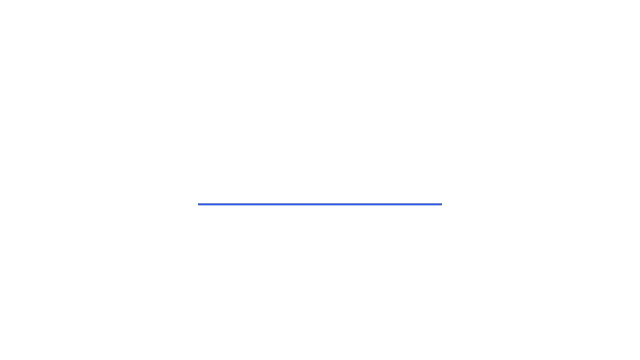
Rule Rise
A thin rule draws, the title rises from behind it.

Glide In
Lines glide in from the right and sharpen.

Curtain Drop
Each line is revealed from the top down.

Ripple
A gentle wave runs through the letters.

Slow Push
Fades in and keeps drifting closer, like a trailer.

Spotlight
Everything else dims; your word stays in the light.

Focus Word
Your word lands first; the rest comes into focus.

Invert Box
A solid box sweeps behind the word and inverts it.
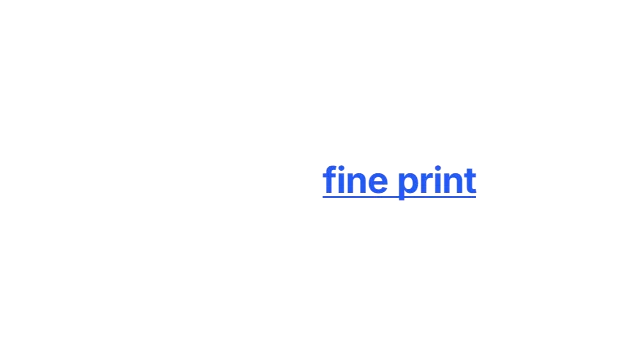
Clean Underline
A straight thin line slides under the word.
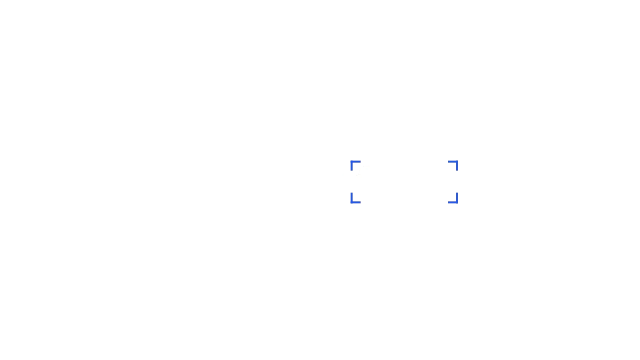
Viewfinder
Four corner marks lock onto the word.

Progress Ring
A small ring fills to your percent as it counts.
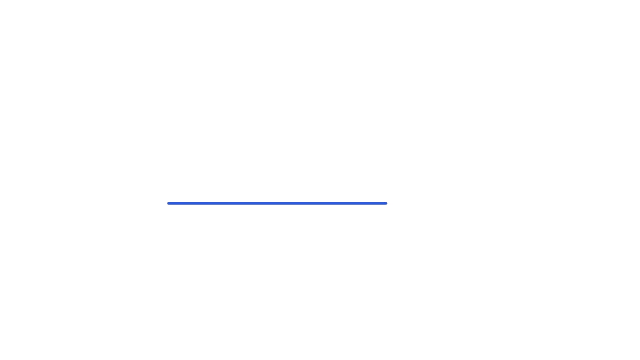
Progress Bar
A thin bar fills under the text as the number counts.

Price Tag
A shop price: big amount, small raised cents.
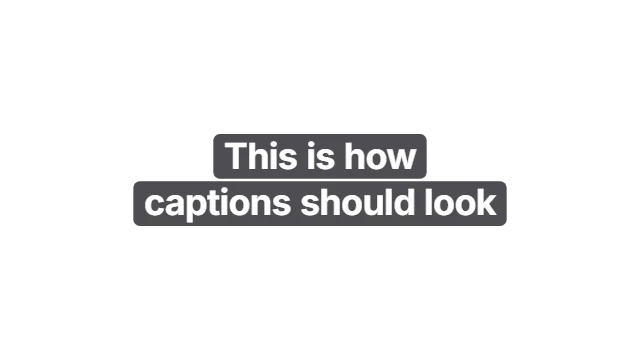
Caption Box
Words appear in a soft dark box, like a clean caption.
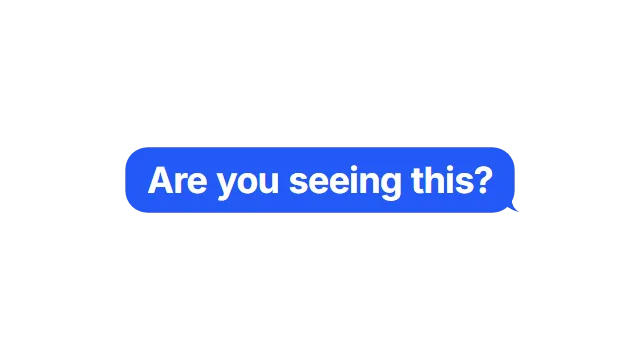
Message Bubble
Typing dots, then your words pop up as a message.
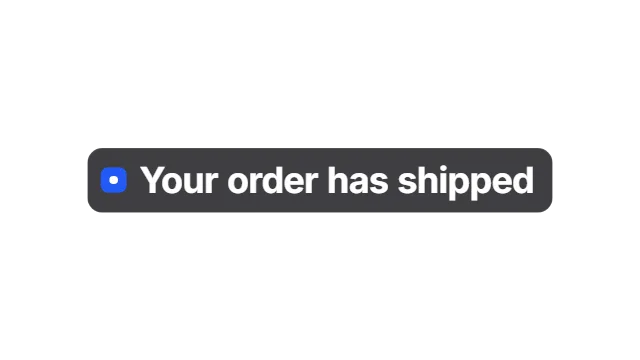
Notice
A clean notification card slides down into view.

Word Box
A box hops from word to word as they are said.
CTA Nudge
Your call to action with an arrow that nudges forward.
Quote
A large quote mark, the words, then who said it.
Location
A pulsing dot and the place name, low in the frame.

Side Bar
A thin bar grows; name and role slide out from it.
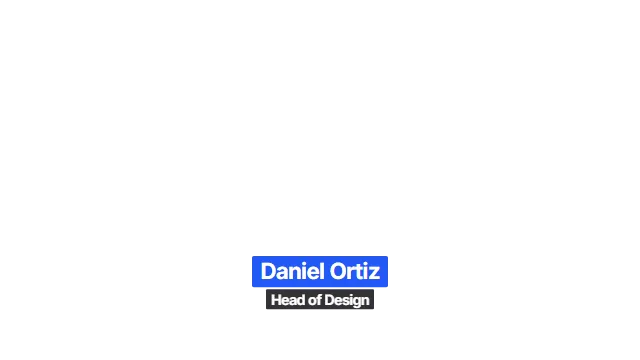
Two Plates
Name on an accent plate, role on a dark one.

Quiet Caption
Name and role, spacing closing softly. No shapes.
Center Rule
A rule grows; the name rises above it, the role drops below.
Chapter
A small chapter label with a rule, the title below.

Block Reveal
A solid block sweeps across and leaves the text behind.

Iris Line
Each line opens sideways from its center.

Interleave
Words take turns coming down and coming up.

Word Slide
Each word slides out of its own edge.

Center Bloom
Letters bloom outward from the middle of the line.

Unfold
Letters grow up out of the baseline.

Letter Spin
Letters turn to face you, one after another.

Depth Stack
Lines come forward out of the depth, one by one.

Outline Title
Hollow outline letters rise in and stay light.

Gradient Title
Rises in a soft gradient from your color to the accent.

Scatter Fade
Letters clear in a scattered order, like light on water.

Credits Roll
Glides up from below as the lines close in.

Converge
Words slide in from both sides and meet.

Squeeze
Pulls in from a soft horizontal stretch.

Tilt Rise
Lines rise from a mask, straightening as they land.
Rails
Two thin lines slide in above and below the word.
Strike
A clean line crosses the word out.

Tint Sweep
The accent color sweeps through the word.

Accent Pop
The word swells once and settles in the accent color.

Dot Accent
A small dot pops in beside the word.
Pill Outline
A rounded outline draws itself around the word.

Under Fill
A soft fill rises behind the lower half of the word.
Morph Swap
One word dissolves into the next in place.

Late Drop
The sentence waits; your word drops in last.

Rolling Count
Every digit rolls in its own slot, like a counter.
Star Rating
Five stars fill to your rating as it counts.
Percent Fill
The letters fill with color up to your percent.

Trend Up
A small arrow rises beside the number as it climbs.
Sparkline
A thin line chart climbs under your number.
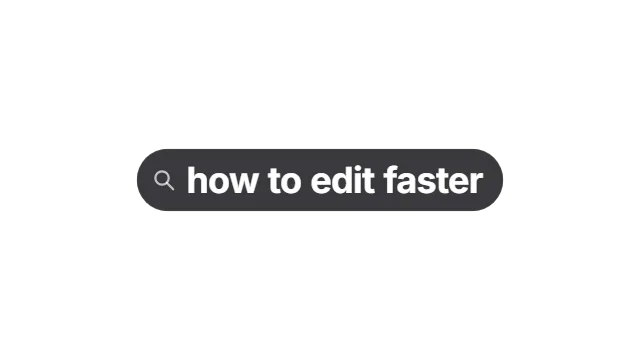
Search Bar
Your words typed into a clean search field.
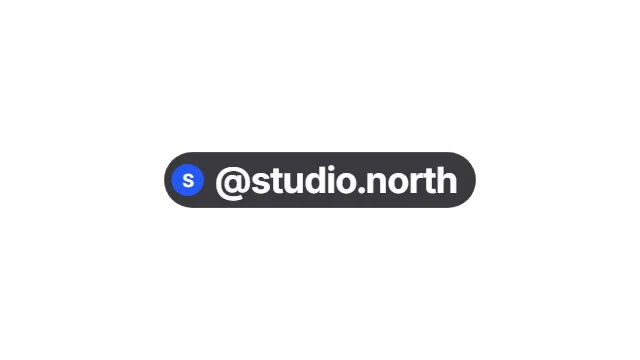
Handle Tag
Your handle in a pill with a round initial avatar.

Toast
A small pill rises in; a check draws, then your words.

Button Tap
A button appears and gets a soft tap.
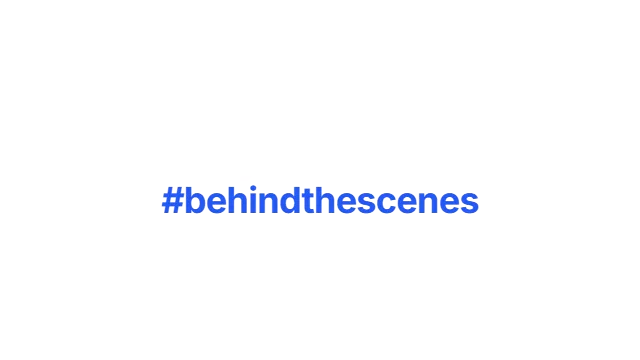
Tag Highlight
Hashtags and handles light up in the accent color.
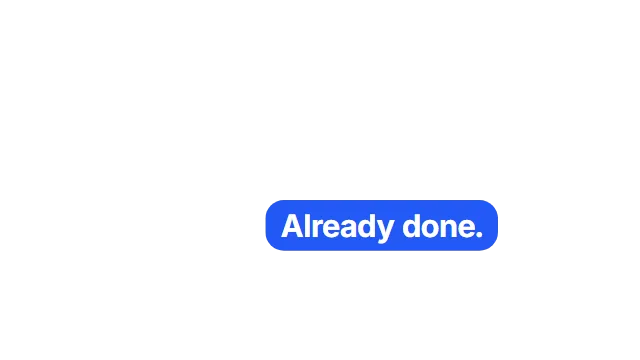
Chat Reply
A short chat: messages pop in, taking turns.
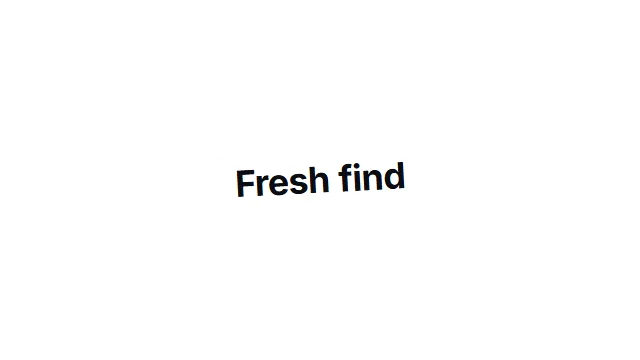
Sticker
Your words on a tilted sticker that springs into place.

Word Flash
Each word flashes big, then the full line settles.

Story Text
Story-style segments above your words, the first one filling.

Split Name
First and last name slide in from opposite sides.

Glass Card
Name and role on a translucent card with an accent edge.
Name Tag
The name with the role in a small pill beside it.
Frame Name
A thin frame draws around the name and role.

Tilt Settle
Tips forward from a 3D lean and settles flat.
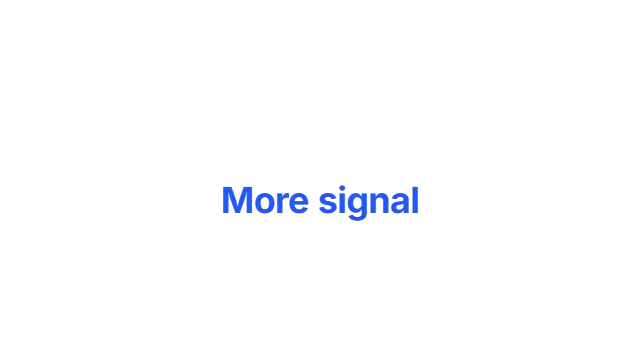
Accent Split
Two-tone lines slide in from opposite sides.

Arc In
Words swing in along a gentle curve.

Counter Slide
A wipe opens one way while the words slide the other.

Letter Train
Letters glide in from the right and close up.

Checklist
Each line is ticked off with a check that draws itself.
Numbered List
Small accent numbers lead each line in, one by one.
Frame Title
A thin frame draws around the title, then the words settle.

Stopwatch
Counts up like a stopwatch to your time.
Versus
Two names face off: one from each side, vs between.

Tag Title
The first word becomes a small tag; the title follows it.

Weight Bloom
Letters thicken from light to bold, one after another.

Reflection
Rises onto a glossy floor with a soft reflection.

Swing In
Each word swings open like a door and settles.

Line Focus
Line by line; the line being read stays bright.

Blinds
Each line turns open in thin slats, like blinds.

Line Spread
Lines start stacked in the middle and spread apart.

Light Reveal
A soft oval of light opens from the middle.

Subhead
A bold headline, then a quieter line beneath it.

Accent Fade
Letters arrive in the accent color and cool down.

Stack Up
Lines drop in from above and stack from the bottom up.

Poster
Lines sized to one width, like a poster, wiping in.

Swift Rise
Letters shoot up, stretched with speed, and snap into shape.

Hang
Words drop in hanging from a corner and swing to rest.
Double Underline
Two thin lines draw under the word, one after the other.

Bold Shift
The sentence stays light; your word turns bold.
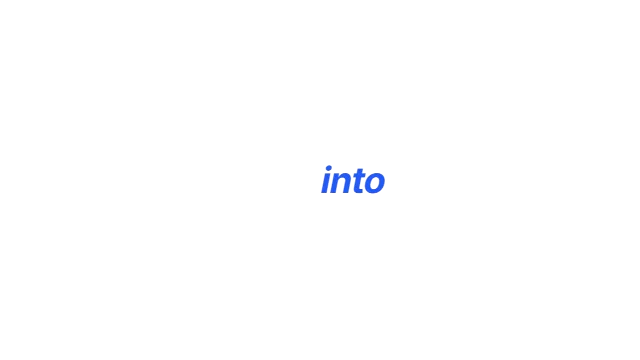
Lean In
Your word leans forward into a slant, in the accent.

Underline Run
An underline runs along the words and stops under yours.

Hollow Word
The fill drains out of your word, leaving an outline.
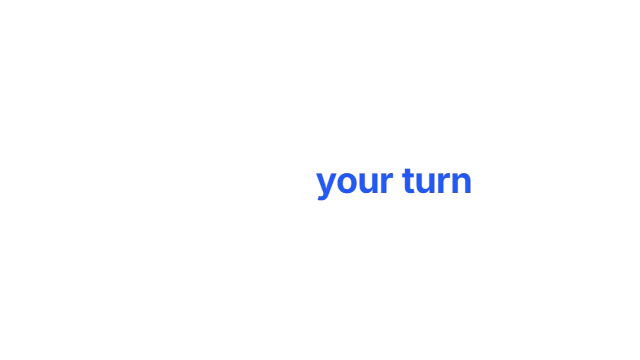
Typed Word
The sentence waits; your word is typed into the gap.
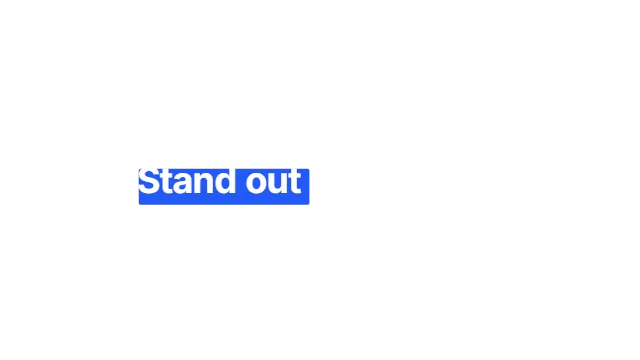
Offset Box
A solid block slides in behind the word, slightly offset.
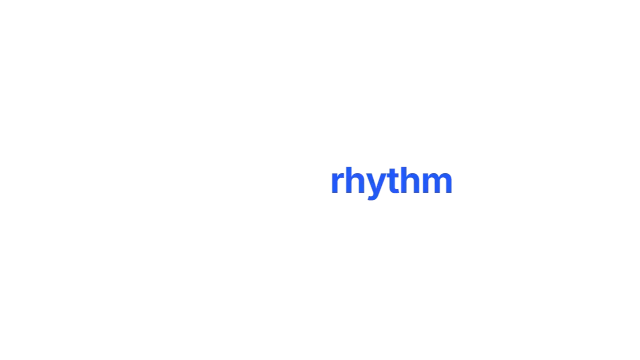
Wave Word
A small wave runs through your word, tinting it.
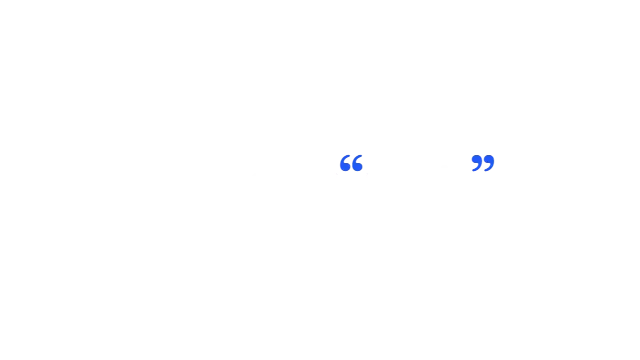
Quote Marks
Curly quote marks pop in around your word.
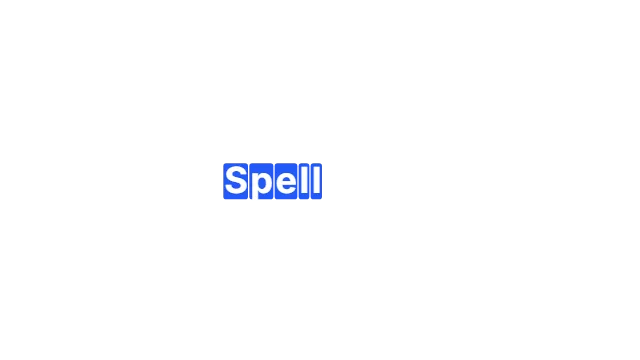
Letter Tiles
Each letter of your word pops onto its own small tile.

Lift
Your word lifts off the line, a soft shadow under it.
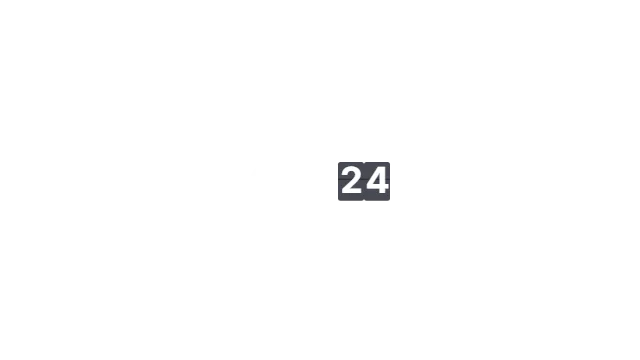
Flip Board
Characters click into place on tiles, like a departures board.

Bar Grow
A small bar chart grows beside the number as it counts.

Gauge
A gauge needle sweeps to your percent as it counts.
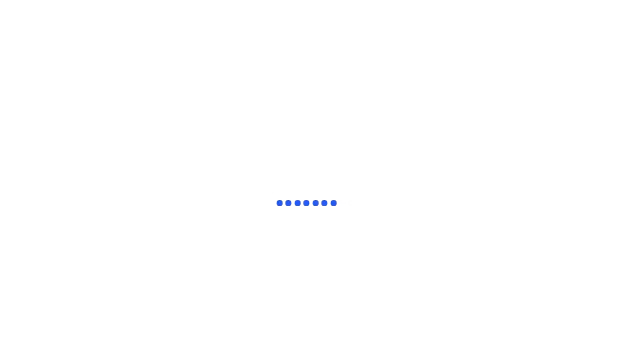
Dot Meter
Ten dots light up to your percent as it counts.

Tick Ruler
A ruler slides past a marker as the number counts.

Year Tick
The numbers before yours tick past and land: 2016 … 2026.
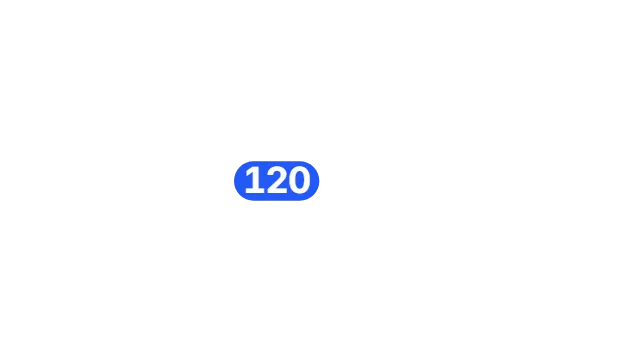
Number Badge
Your number counts inside an accent pill that pops in.

Heart Count
A heart fills and pops while your likes count up.
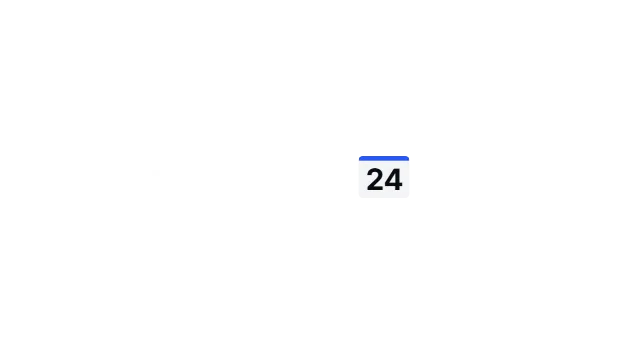
Date Card
The day drops in on a small calendar card.
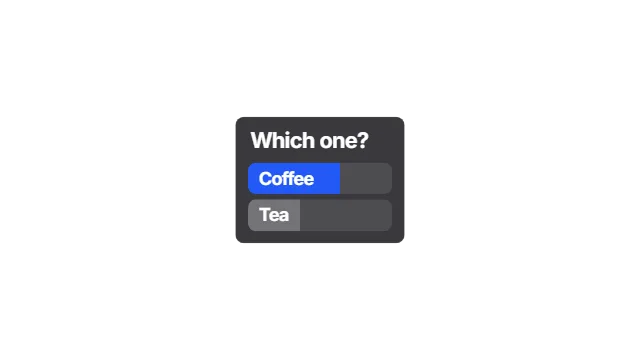
Poll
A question with answer bars that fill, the top one in the accent.

Compare Slider
Before and after, with a slider that sweeps between them.
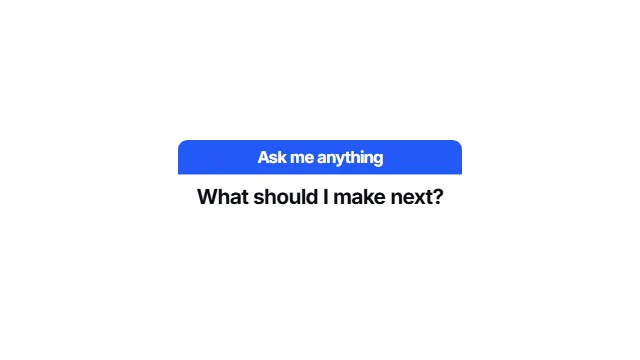
Question Card
A two-tone card: a small header, then your words.
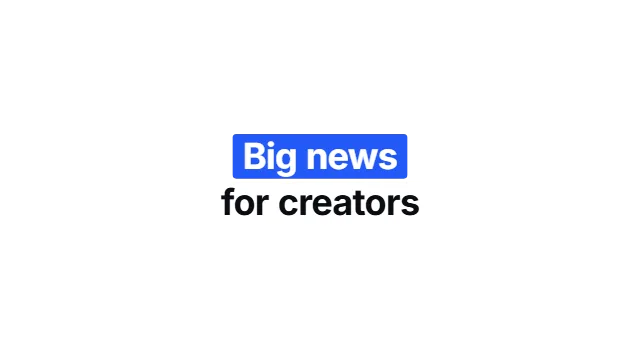
Stacked Boxes
Each line on its own solid box, accent and white in turn.

Link Pill
A link sticker: a light pill with a link icon.

Swipe Up
Three chevrons light up above your words, pointing up.
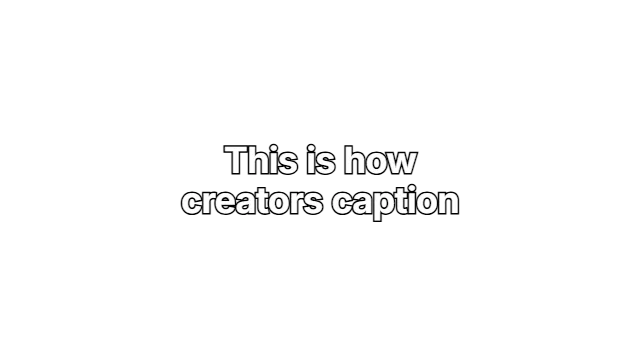
Outline Caption
Outlined bold captions; each word pops in the accent.
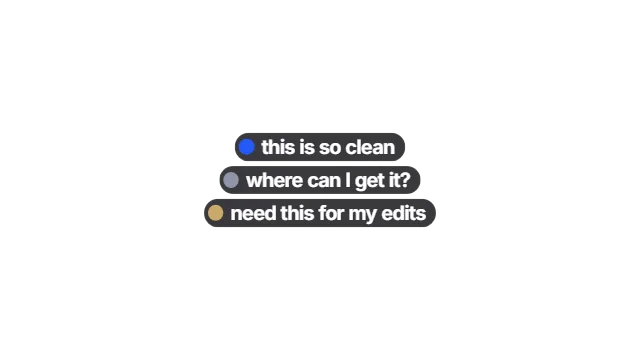
Live Chat
Comments pop in at the bottom, pushing the others up.

Spoiler
Hidden under moving dots, then cleared from the middle.
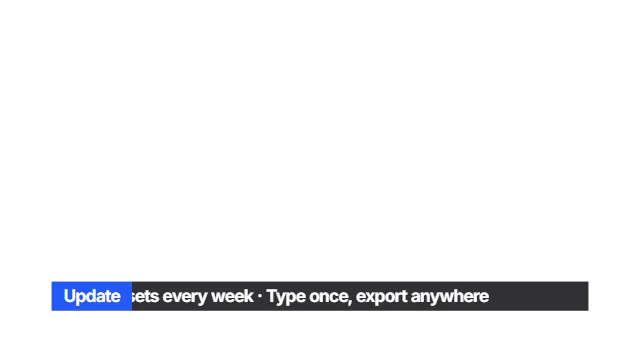
Ticker
A label and a band of text scrolling past, like news.

Divider
Name and role on one line, a thin divider between.

Corner Label
A small label in the top corner of the frame.

Typed Name
The name types itself out; the role follows.

Monogram
A round monogram pops in; name and role slide out beside it.
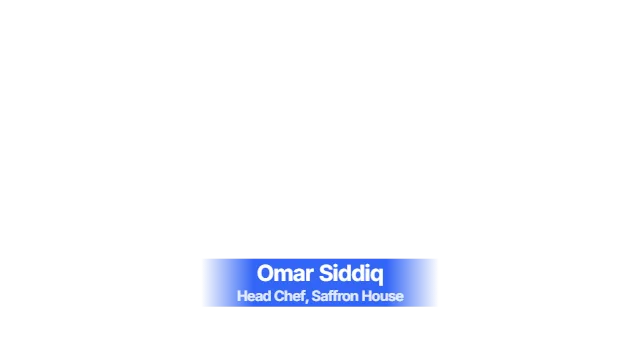
Fade Band
A soft accent band slides in behind the name and fades out.
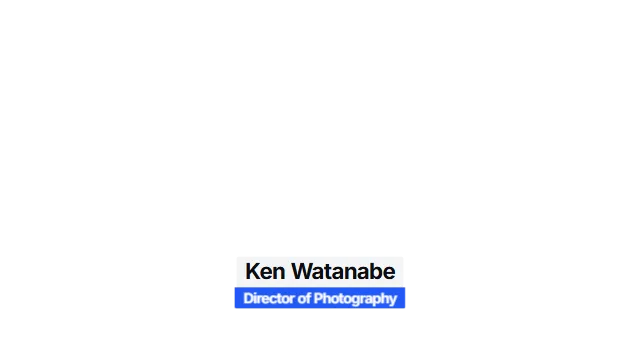
Flip Down
The role's plate flips down from under the name plate.

Speaker
Name and role with small sound bars that move.
How it works.
- 1
Type your words.
Every style moves them at once. Change the font, color, size and speed as you like.
- 2
Open a style.
See it large, pick the shape (wide, tall or square) and how it ends.
- 3
Download it.
A ready-to-post MP4, a transparent MOV, or a preset for your editor.
Use it in your editor.
CapCut
- 1Download the MP4 on green screen.
- 2Add it as an overlay above your video.
- 3Tap Chroma key, pick the green, and raise Intensity until it's gone.
Premiere Pro
- 1Download the MP4 on green screen.
- 2Put it on the track above your footage.
- 3Add Ultra Key and pick the green with its eyedropper.
Questions.
Do I need an account?
Not to try it. Type, change and play every style without one. Downloading is free with a Kinofel account: an email and a code.
Which file should I download?
The WebM keeps the background transparent. If your editor shows it on black, take the green screen MP4 and remove the green with its chroma key.
Does Premiere Pro read the transparent WebM?
No, Premiere doesn't read WebM transparency. Use the green screen MP4 with Ultra Key.
What size are the files?
Wide is 1920 × 1080, tall 1080 × 1920 and square 1080 × 1080, at 30 frames a second. The length follows your text. ProRes 4444 comes with the Pro and Max plans.
Is there a watermark?
No.
Which editors open the editable preset?
Letter Lift comes as an After Effects preset, a Premiere Pro template and a DaVinci Resolve title. In DaVinci Resolve it takes up to 2 lines.
Is there a download limit?
Yes, per day: 1 on the Free plan, 10 on Starter, 30 on Pro and 100 on Max. The editor files of one style count as one download.