Change video speed
Speed it up or slow it down, from 0.25× to 10×, and download.
Free with an accountRuns in your browserNo watermarkTested: 24 s of smooth 1080p slow motion in 4 s
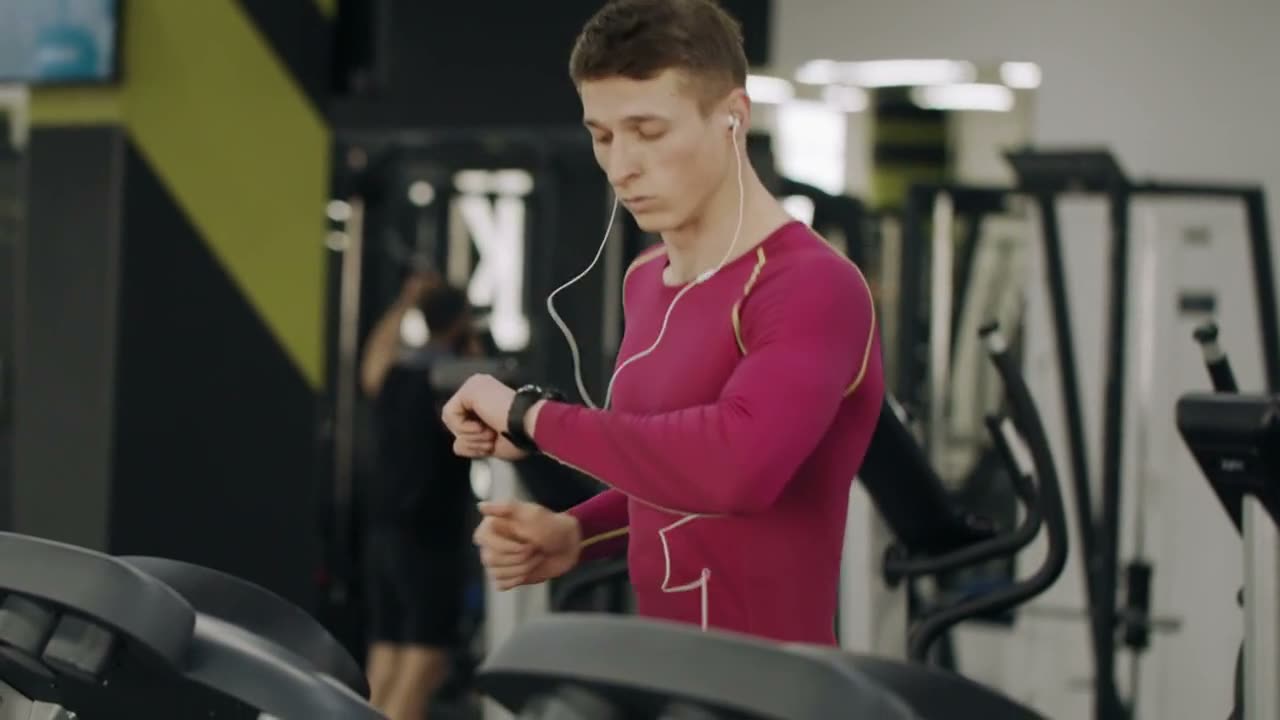 Example
Drop a video here
MP4, MOV or WebM. It stays on your computer.
Faster, with voices at their own pitch.
How it works.
- 1
Drop a clip.
MP4, MOV or WebM. It stays on your computer.
- 2
Pick a speed and a frame rate.
Anything from 0.25× to 10×, at the clip's own frame rate or 24, 30 or 60 fps.
- 3
Download it.
Voices keep their own pitch, faster or slower.
More tools.
All toolsQuestions.
Is my video uploaded?
No. The speed changes in your browser, so the file never leaves your computer.
Does the sound go high or deep?
No. The sound is stretched without changing its pitch, so a voice still sounds like the person.
Does slow motion look smooth?
With Smooth slow motion on, each new frame is blended from the two around it, so the motion flows instead of stuttering. A clip shot at 60 or 120 frames a second still slows down the cleanest.
What format do I get?
An MP4. A WebM stays a WebM, with its transparency.
Is there a watermark?
No.
Why do I need an account?
The tools are free with a Kinofel account. Signing up takes an email and a code.
Does it work on a phone?
Yes, but it's slower. Long clips are quicker on a computer.