Remove silence from video
Find the quiet pauses, cut them out, and download the tighter video. Only the pauses go, so the video gets shorter and the voice stays. To take out all the sound, use Remove audio.
Free with an accountRuns in your browserNo watermarkTested: a 40 s talk cut to 25 s
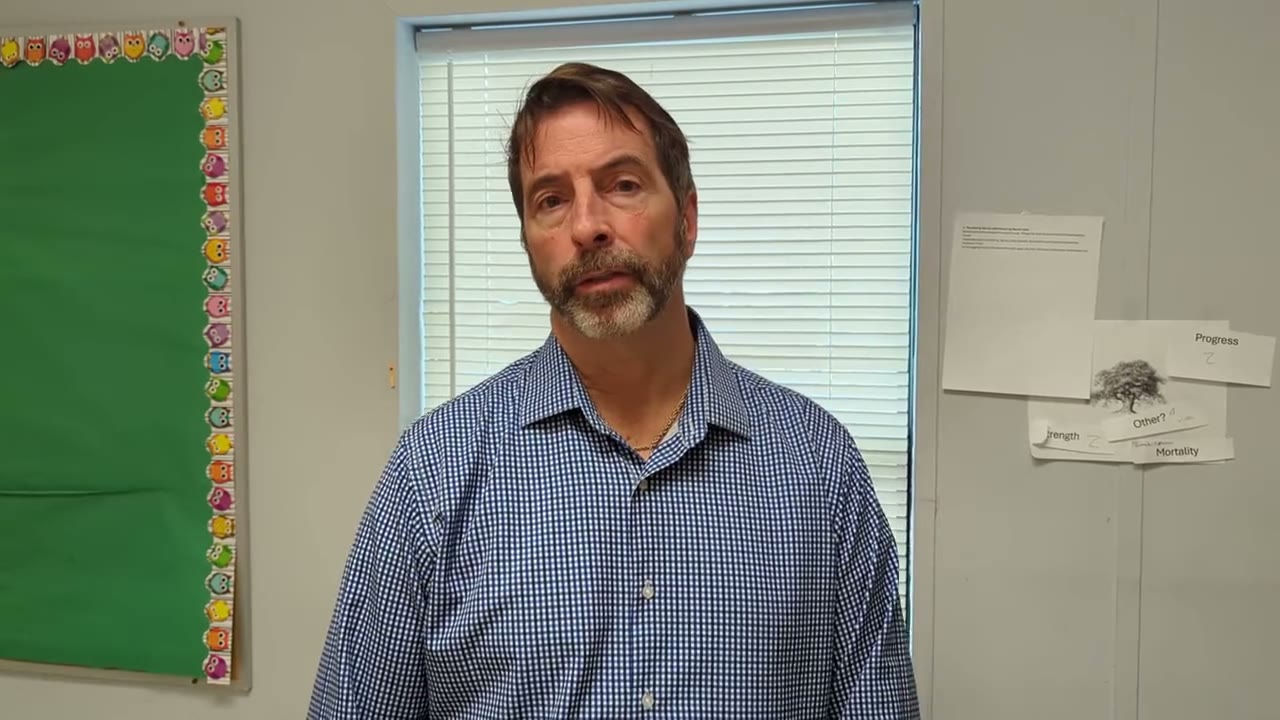 Example
Drop a video here
MP4, MOV or WebM. It stays on your computer.
How it works.
- 1
Drop a clip.
A talking video in MP4, MOV or WebM. It stays on your computer.
- 2
Choose how long a pause is.
0.3, 0.5 or 1 second. The bar shows what goes, and the preview skips it as it plays.
- 3
Download the tighter video.
Each cut keeps a breath of air on both sides, so no word is clipped.
More tools.
All toolsQuestions.
Is my video uploaded?
No. Finding and cutting the pauses happens in your browser, so the file never leaves your computer.
How does it know what a pause is?
It listens to the whole clip, learns how loud the speaking is, and treats anything well under that as quiet. Music under the voice can hide pauses; it works best on speech.
Which pause length should I pick?
0.5 seconds suits most talking videos. 0.3 makes it fast and punchy, like a short. 1 second only takes out the long stops.
What format do I get?
An MP4. A WebM stays a WebM, with its transparency.
Is there a watermark?
No.
Why do I need an account?
The tools are free with a Kinofel account. Signing up takes an email and a code.
Does it work on a phone?
Yes, but it's slower. Long clips are quicker on a computer.